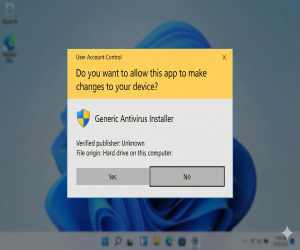
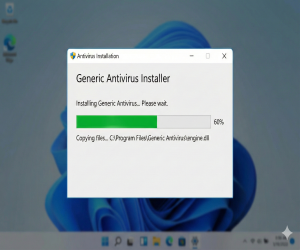
Installer Won’t Open
Right-click → Run as Administrator. Check User Account Control prompts.
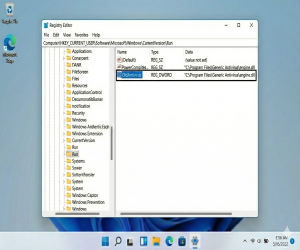
Each guide includes screenshots and concise steps. If you prefer, call us and our consultant will fix it live.
Right-click → Run as Administrator. Check User Account Control prompts.
Remove older antivirus, reboot, run installer as admin.
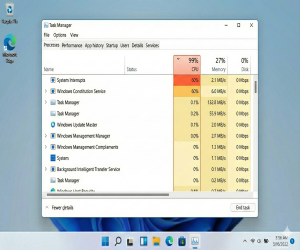
Verify code in vendor portal; ensure email/account matches.
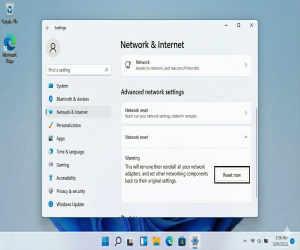
Sync system clock/time zones and refresh application account.
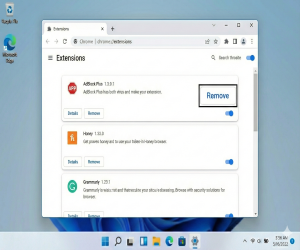
Ensure Windows Security services are running and scheduled scans are not blocked.
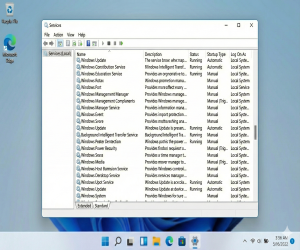
Resolve conflicts with Windows Defender or previous AV tools.

Reschedule scans for off-peak hours and exclude large folders.
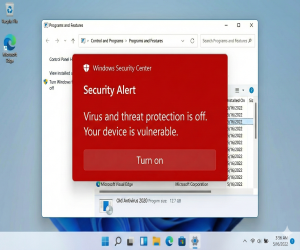
Remove malicious browser extensions and reset browser.
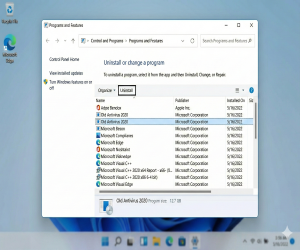
Reset network adapter, reinstall VPN module.
Use vendor removal tools and clean leftover registry keys.